

The Challenge
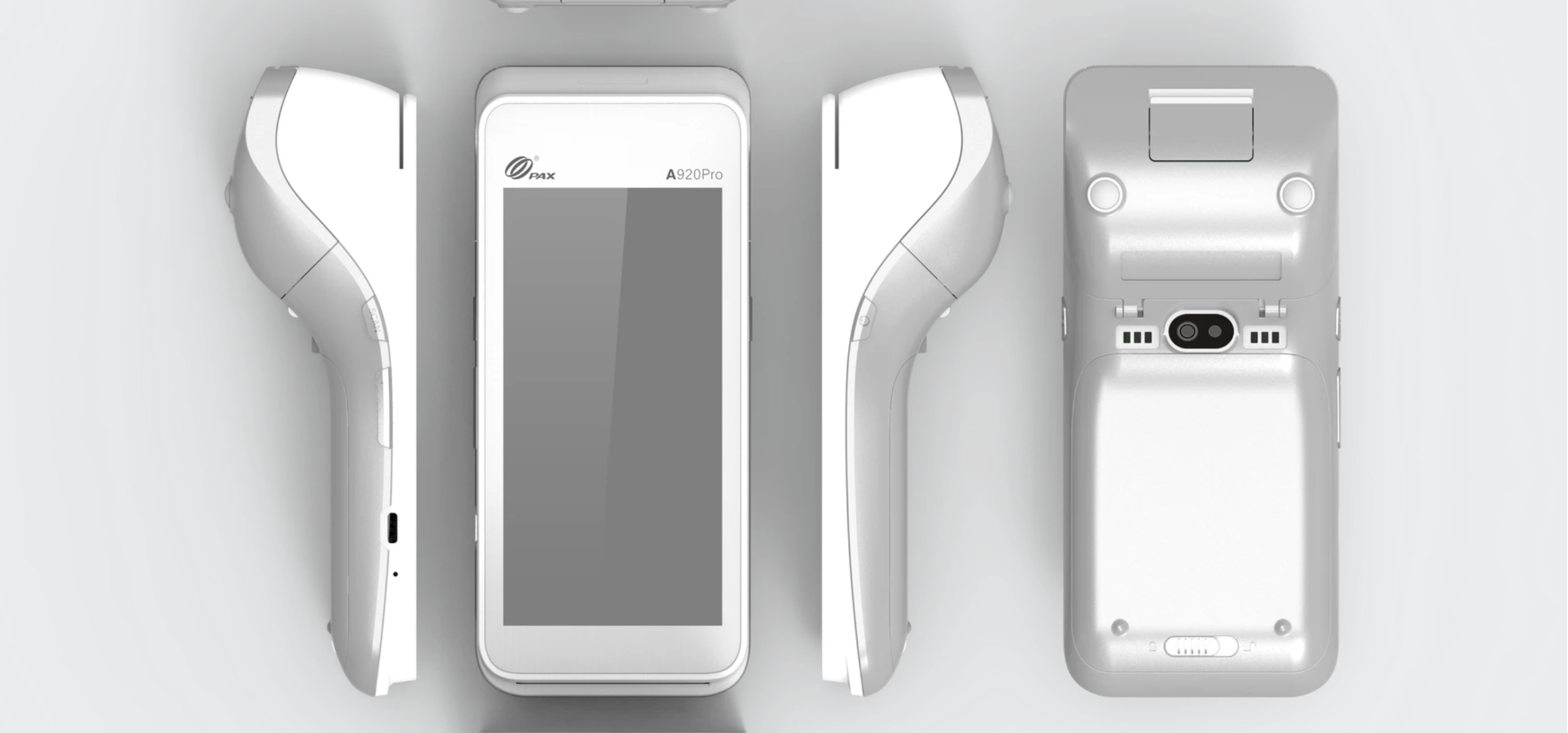
PAX A920 Pro devices are widely used as fully integrated POS devices. The device is very convenient due to its wide adoption by processors and gateways, and it is reliable for pay-at-the-table operations.
The PAX A920 mainly comes with two memory options: 2 GB RAM and 1 GB RAM, paired with dual-core, octa-core, and quad-core processors.
Having a fully fledged POS running on a PAX A920 24x7 is a challenge in itself because of the limited memory available.
The client had multiple users complaining about the slowness of the POS during operations such as:
- Menu navigation
- Payment processing
- Data syncing between multiple devices.
The situation becomes worse when the battery level drops below 20%.
The Analysis
We decided to start addressing these slowness issues. We first analysed the complete situation and shortlisted all the issues causing lag and high resource usage.
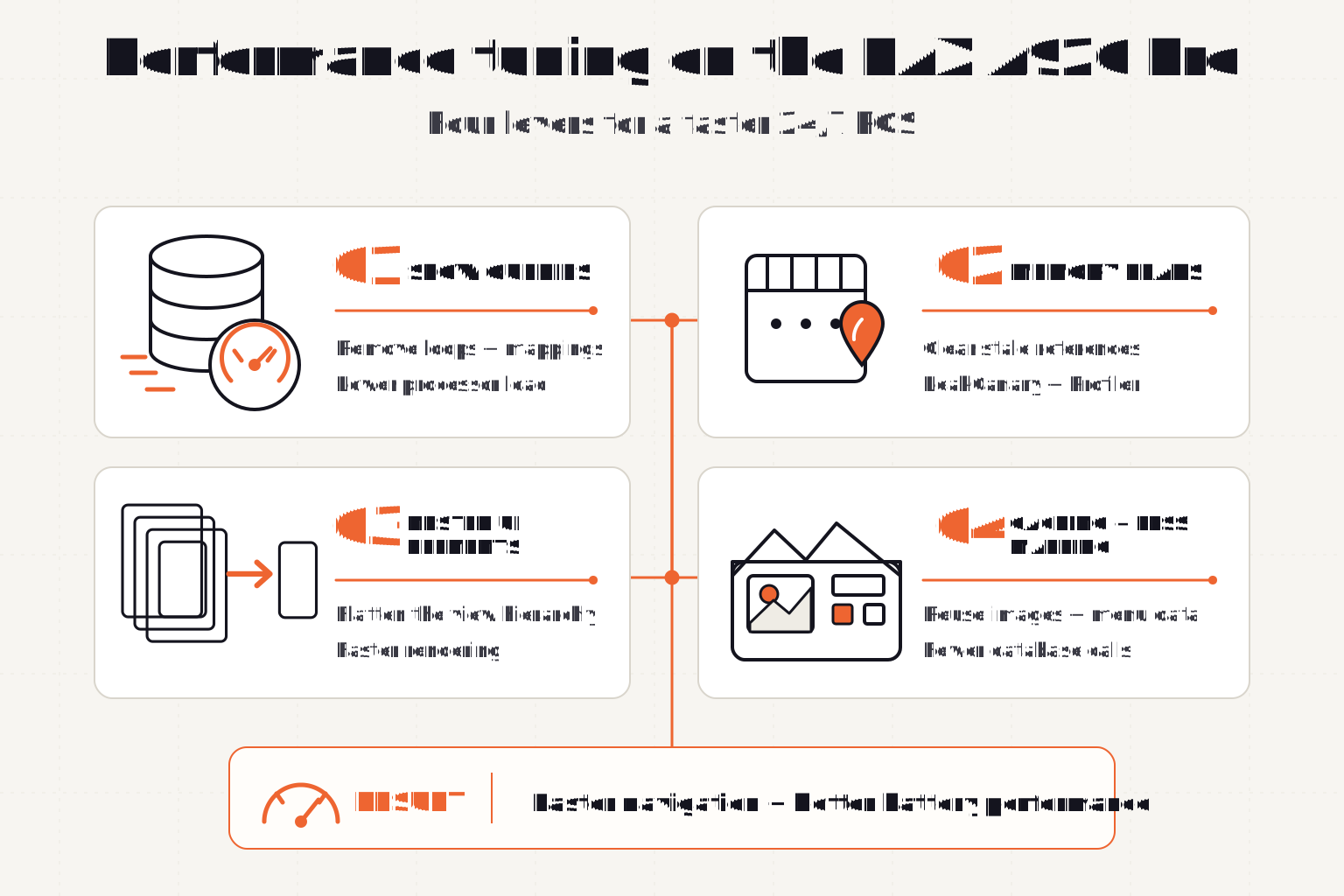
We used Android Studio’s built-in Performance Monitoring Tools to identify the memory bottlenecks. So far, we have found several areas for improvement:
- Slow queries
- Memory leaks
- Nested UI elements
- Caching and reduced mapping
We’ll discuss each point in detail.
The Solution
1. Slow queries
We identified that several queries were written in a way that caused higher processor usage on PAX devices. Since the A920 Pro devices, especially the dual-core ones, do not have very powerful processors, it was important to reduce query-processing time.
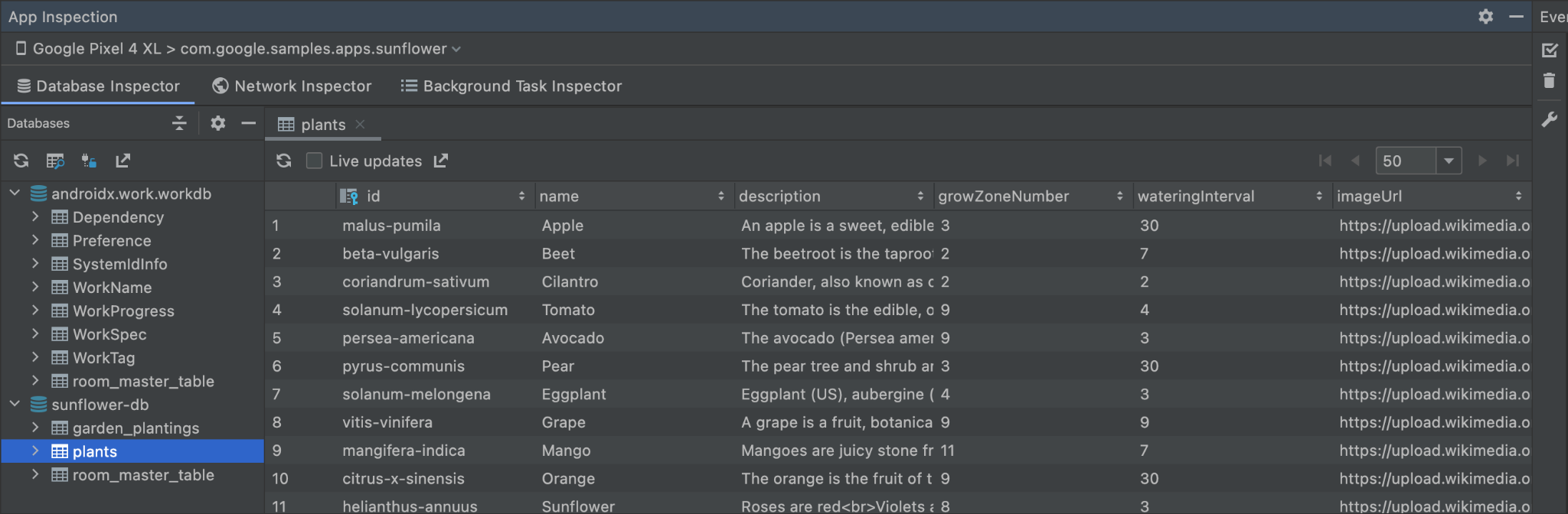
We identified query execution times using Android Studio’s Database Inspector.
We were not able to identify this bottleneck earlier because all the latest hardware and desktop POS terminals come with good quad-core processors. Hence, they process queries faster without any visible delays. These types of issues are only visible when you test with resource-constrained devices.
After identifying the slow queries, we started eliminating loops and mappings. We restructured the data models in our domain layer and eliminated as many loops as we could.
This reduced query-processing time and significantly lowered processor usage, making those resources available for UI rendering and eventually making overall menu navigation faster.
2. Memory leaks
Memory leaks are the silent killers. Developers often make the mistake of not checking for memory leaks in the early stages, and as the codebase grows, the problem keeps growing.
To understand what a memory leak is, imagine a variable where you’re storing something. This is initialised when you open a screen; take the menu screen as an example. Then, if you haven’t cleared the value of this variable when the screen closes, every time you revisit the menu screen, it keeps creating new variables while the old ones remain stale.
Over time, these stale variables keep consuming RAM, eventually resulting in a RAM shortage for the entire POS app. The app starts lagging after a couple of days of use.
Usually, wait staff and managers don’t close or restart a POS app every morning. They clock in, use it, and clock out—that’s it. The app stays open on the terminal 24x7. Hence, identifying and fixing memory leaks in a POS app is crucial.
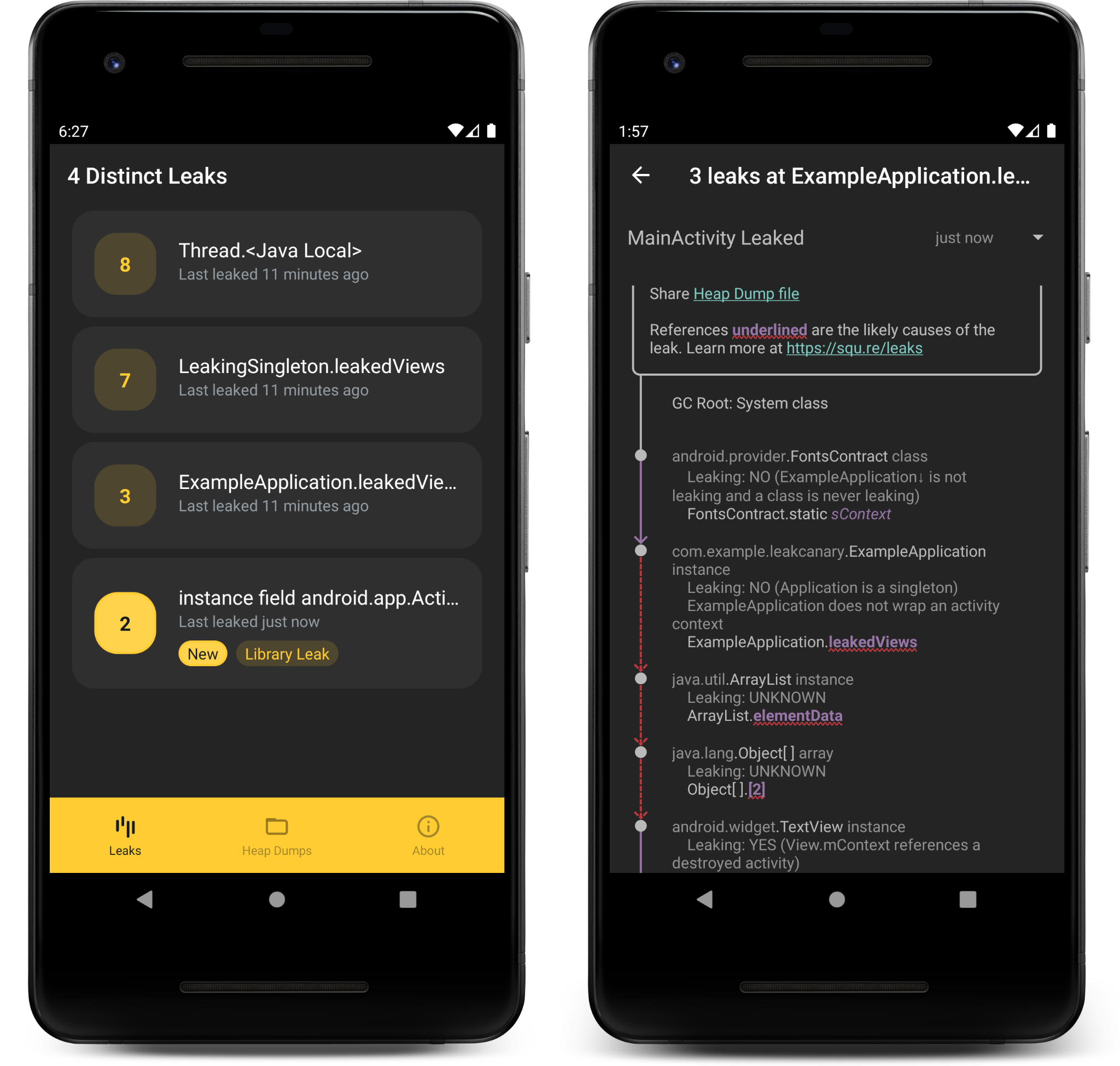
We used tools like Leak Canary and Profiler to identify and fix such memory leaks. This process took the most effort of all the steps, and the impact of these fixes was higher as well.
We then automated this process to run automatically on our CI pipeline after every merge into the develop branch. We open-sourced the Memory Leak Check Skill as well.
3. Nested UI Elements
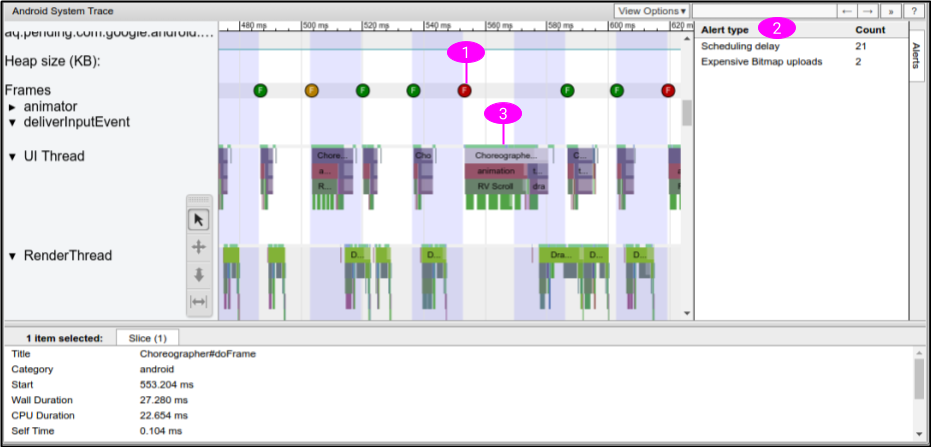
Nesting UI elements causes huge rendering delays in Android, eventually resulting in frame-rate drops that make the app feel laggier.
One example of such nesting is having a list inside another list. This requires nested adapters for the nested list. Android then has to draw a list for every list item in the parent list.
This type of multiple nesting results in slow rendering.
Using the Profiler tool in Android Studio, we were able to find such nested UI-element bottlenecks and fix them more effectively using ConstraintLayout and Jetpack Compose.
We tried to flatten the entire UI hierarchy to a single level and reduce nesting as much as possible, which resulted in multifold improvements in UI navigation.
4. Caching and reduced mapping
Caching is a very important way to reduce the repeated loading of images and data models.
To improve item loading on the menu screen, we cached the images in local storage and reused them directly instead of loading the same images from the network every time during menu navigation.
We also cached the entire menu, including category-, item-, and modifier-level data models, in an ArrayList and a Map instead of querying the database during every navigation. This helped reduce rendering delays and made overall menu navigation snappier and quicker.
The result
All this resulted in a massive performance jump for PAX A920 Pro devices and resolved almost all the complaints from wait staff and managers about slow menu navigation. As a cherry on top, it improved battery performance after these optimisations as well.
The Testimonial
Here’s what our client has to say about the way we managed and maintained the POS app across multiple platforms for both semi-integration and full integration.